













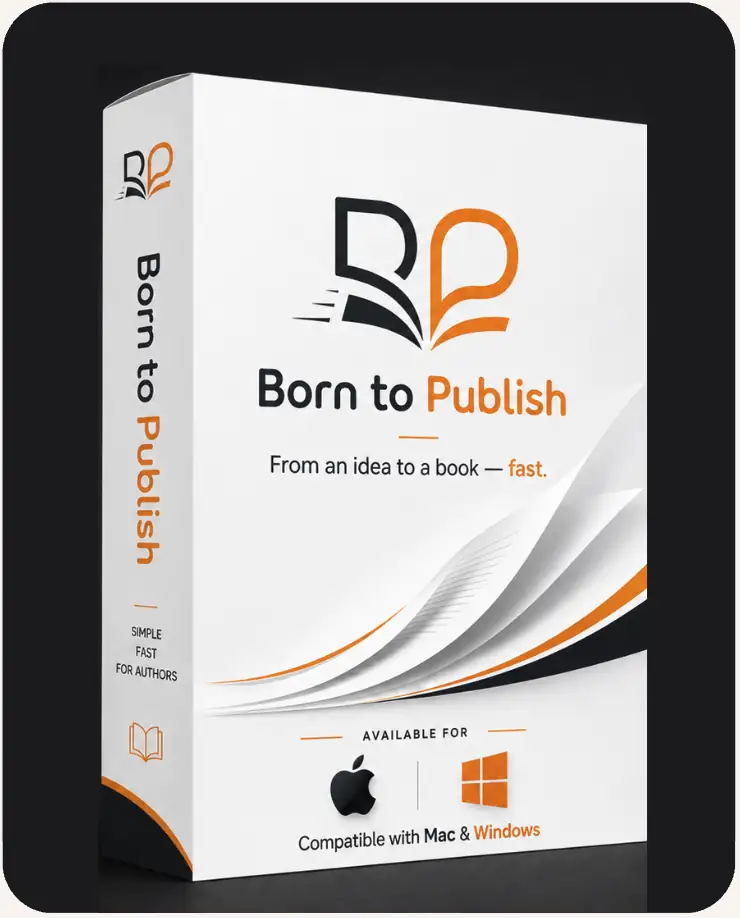
Born to Publish

Your idea becomes a finished book on Amazon — start today, not someday.

Get access
First-time authors — no manuscript required

Publish Your First Professional Book on Amazon KDP — Starting From Nothing But an Idea.

Your idea could become a finished, professionally formatted book today — no writing experience needed.

  • One payment — no subscription
  • 30-day full refund
  • Access opens when payment clears
Why a book, why now

A Book Does Something a Post Never Will.

It sits on Amazon with your name on the spine. It's the credential you hand someone before you meet them. It sells while you sleep, in countries you've never visited, years after you wrote it. And it costs nothing to keep on the shelf.

The diagnosis

The Idea Was Never the Problem.
Everything After It Was.

From the outside it looks like three steps. Pick a subject. Write it. Upload it. Then wait for the royalties to land while you sleep.

Then you sit down to actually begin, and the questions start piling up:

“Would anyone actually buy it?” “Where do I even start?” “Am I a good enough writer for this?” “How long does a book have to be?” “How do I make it look like a real book?” “Why did Amazon reject my file?”

So the idea goes back in the drawer. And the shortcuts don't get it out either.

The chat window

Paragraphs on demand, and you're left holding them. No trim size, no interior, no export.

Still no file to upload

Paying per title

An editor, a designer, a formatter. Real money — and it all comes back on book two.

Billed again every title

The weekend of tutorials

Templates, converters, a checklist from a video. The validator rejects it and won't say why.

Weekend gone, still rejected

Why first books never ship

Writing the Book Is One Job.
Publishing It Is Seven More.

Publishing has always required a dozen unrelated skills at once, and no single tool ever handled them together. So the moment the writing stops, seven unpaid jobs begin — and nobody warned you about any of them.

The part you signed up for The part nobody mentions
Today you're the
Market Analyst

finding a category that isn't already full

Today you're the
Structural Editor

twelve chapters that don't repeat themselves

Today you're the
Line Editor

every page. then every page again.

Today you're the
Art Director

a cover that doesn't look self-made

Today you're the
Typesetter

margins, page numbers, running heads

Today you're the
File Technician

“your upload contains errors”

Today you're the
Metadata Writer

seven keywords that decide if anyone finds it

Today you're the
Compliance Checker

rules you have to read before you break them

Eight jobs. Seven of them have nothing to do with writing. Nobody quits at chapter one. They quit at job number five.

Made by the app

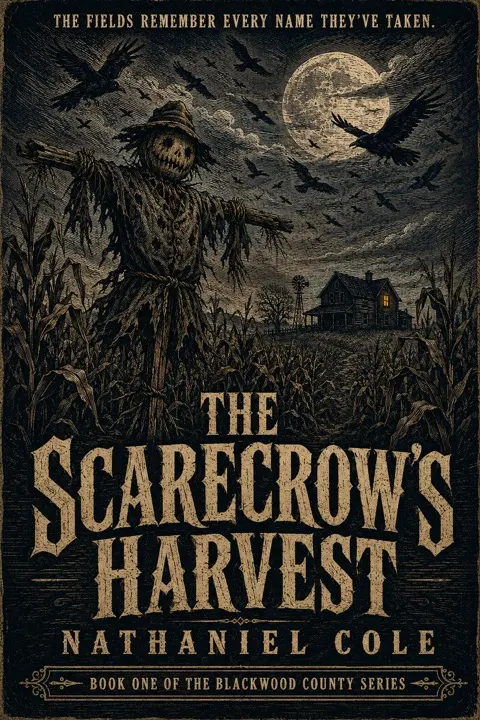
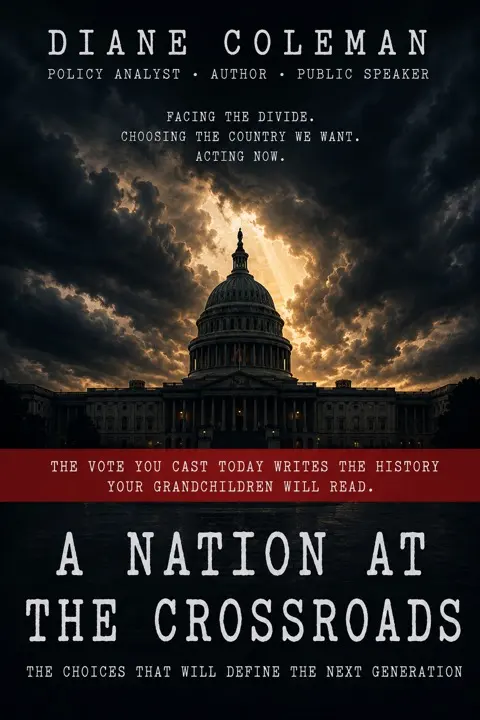
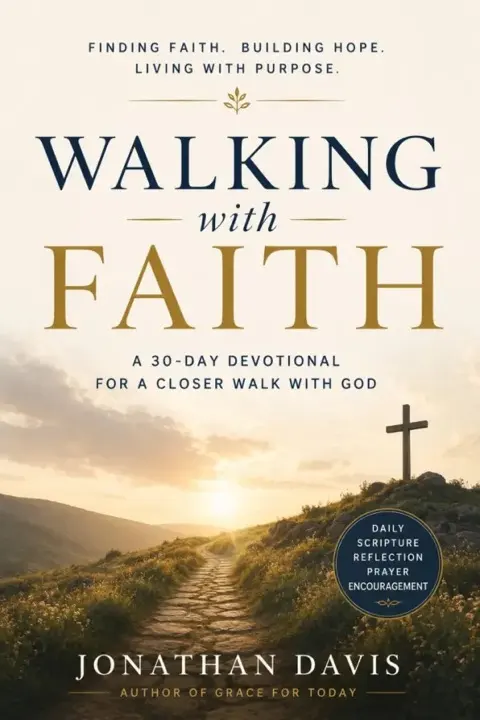
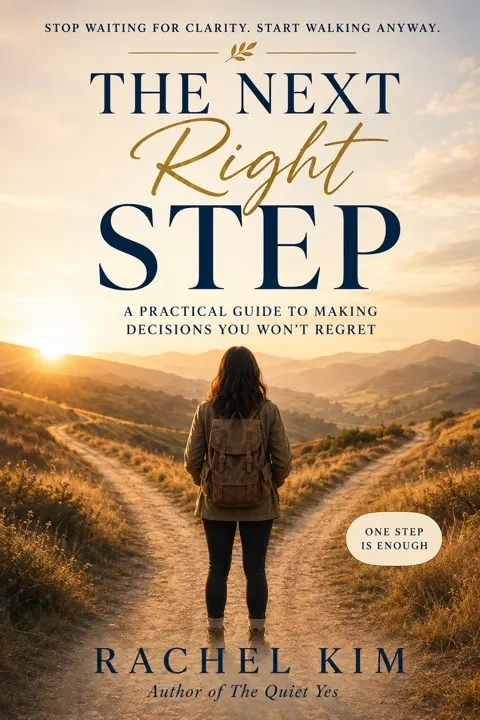
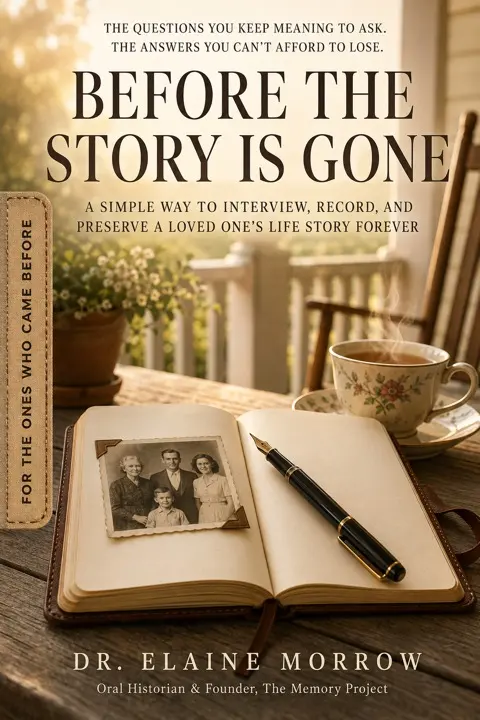
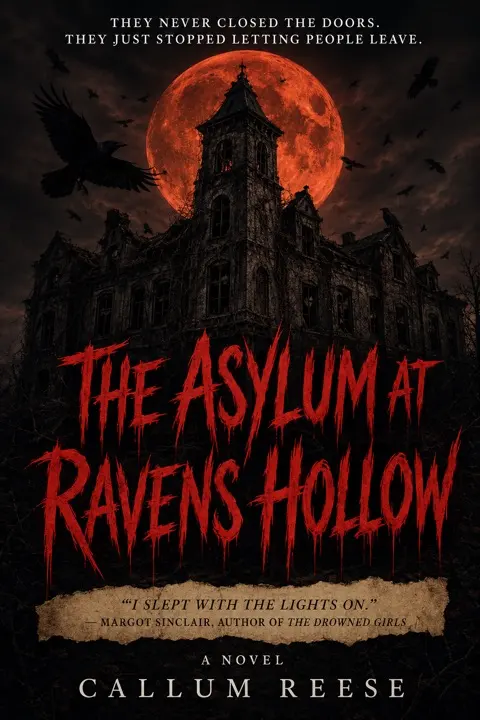
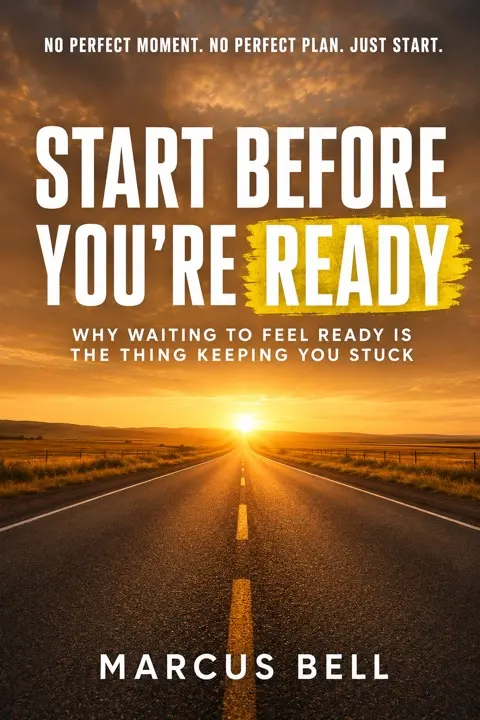
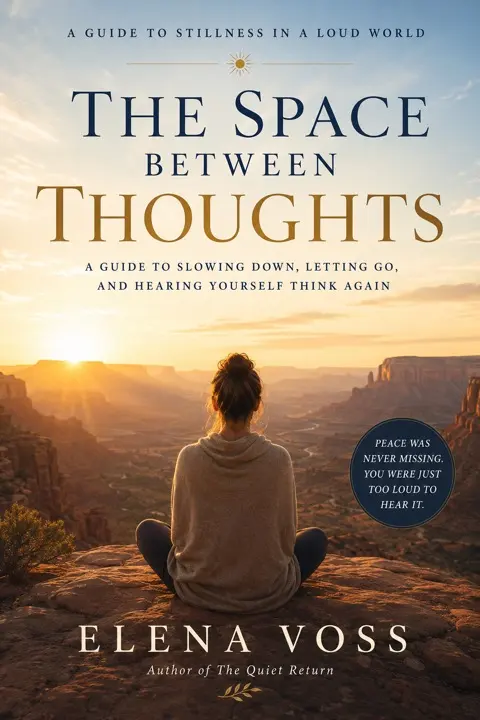
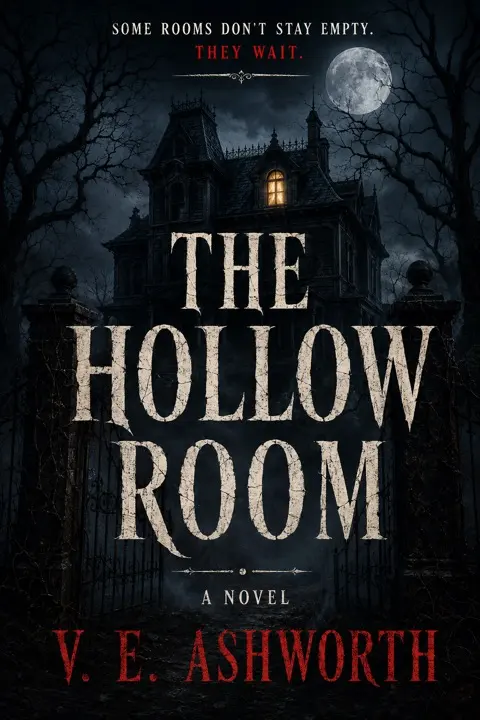
Faith. Horror. Philosophy. Parenting.
Same App. Same Afternoon.

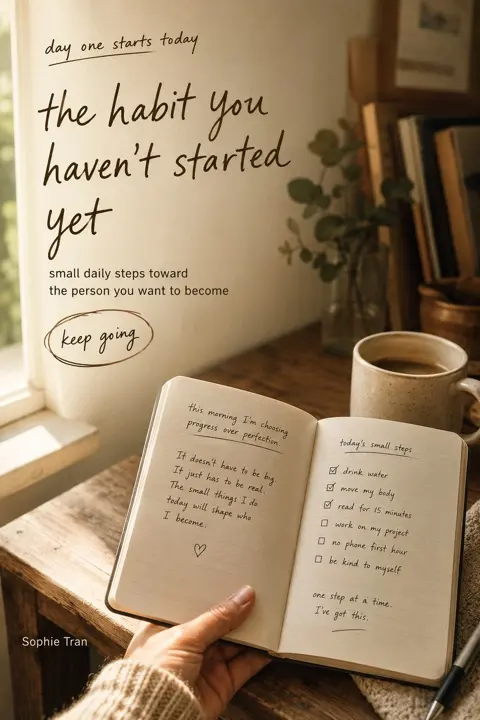
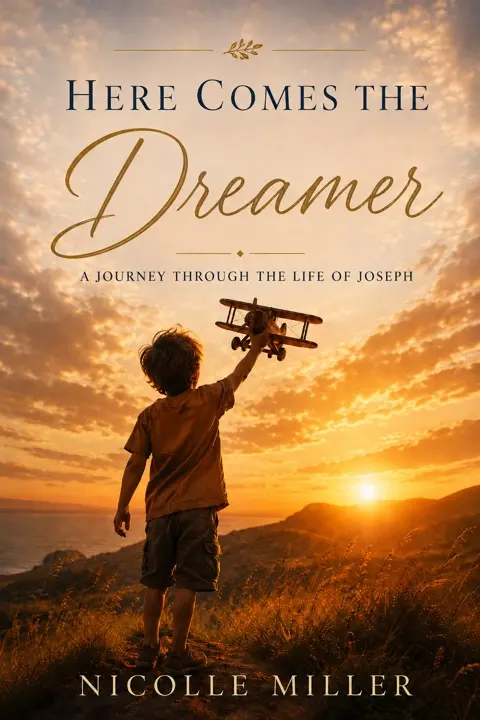
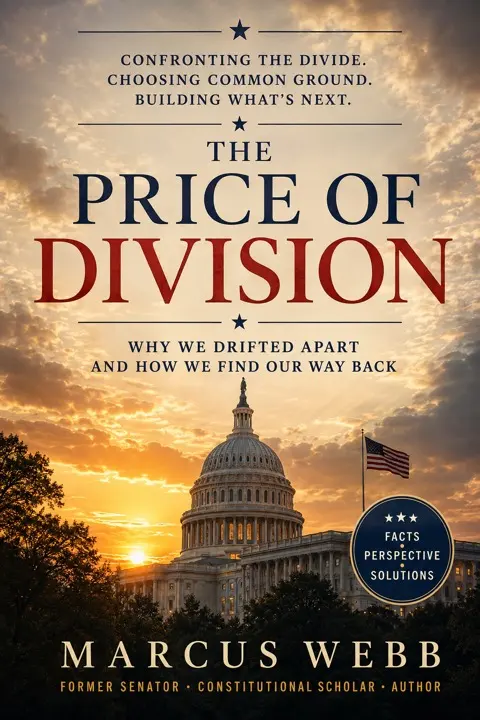
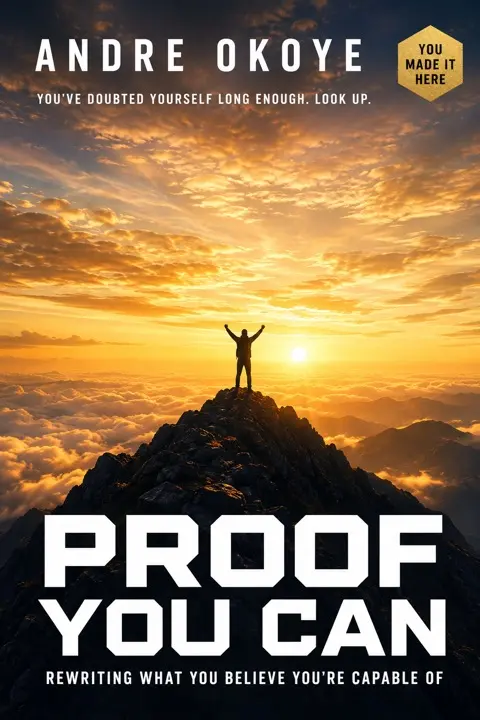
Every cover here was produced by the app — front, spine and back, sized to Amazon's specs, ready to upload. No designer, no brief, no revision rounds.

What this is, and isn't

Three things this isn't.
One thing it is.

Not a writing assistant

It doesn't hand you paragraphs and leave you to assemble a book out of them.

It goes all the way to export

Not a template pack

Nothing to fill in yourself. Each desk does its work and hands it to the next.

You approve, you don't assemble

Not another rough-draft generator

It doesn't stop at a draft. Cover, interior, front and back matter, then the files.

Ends in KDP-ready files

A complete idea → published-book pipeline.

Two ways to get there

Which path would you rather take?

Doing it yourself

  1. ChatbotParagraphs you still have to assemble
  2. WordNow make it look like a book
  3. CanvaDesign a cover at the right trim
  4. CalibreConvert it and hope the file is valid
  5. KDP uploadFill the form, press submit
  6. Rejected. Try again.It won't say why

Several months— and still not published

Doing it here

  1. Topic & marketWhere the book sits before a word is written
  2. OutlineThe book laid out as a structure
  3. ChaptersDrafted and rewritten, under your eye
  4. Front & back matterThe pages around the story
  5. Cover briefFive concepts at true trim, you pick
  6. Live on AmazonEPUB, interior and listing, ready to upload

A few hours— and it's live on Amazon

Same idea. Same evening. One of them ends with a book.

In plain words

You bring the idea.
It does the rest.

No jargon, no feature list. Just who does what, from opening it for the first time to the book being on Amazon.

Your side

Four things

  1. Say what the book is about — a sentence is enough.
  2. Answer a few questions about who it's for.
  3. Read what comes back and say yes, or send it back.
  4. Upload the finished file to Amazon.
Its side

Everything else

  1. Checks the market — whether people are buying books like yours, before a word is written.
  2. Builds the outline — the whole book laid out as chapters that hold together.
  3. Writes and rewrites — chapter by chapter, and again once the draft is whole.
  4. Writes the pages around the story — title page, dedication, contents, about the author.
  5. Designs the cover — five to choose from, already at the exact size Amazon asks for.
  6. Packs the files — the upload file, a print version, and your listing text, in one folder.

Nothing to install. It opens in the same browser you're reading this in — and all of that is the $67.

What's inside

Everything between your idea and the files KDP asks for

The actual workspace, in motion — every desk, idea to KDP-ready files. Not a mock-up.
Who this is for

One App. Five Reasons People Use It.

First book or fortieth, the wall is the same — everything that isn't the writing. The app takes that part off your hands, whatever your reason for wanting the book.

The family historian

Grandma's stories. Your father's war. The recipes nobody wrote down. Turn what your family remembers into a real book, in their hands by Christmas.

The person who always meant to

The idea has followed you for years. No writing experience needed — you bring what you know, the app carries the craft.

The professional building authority

A book with your name on the spine. The credential that opens the room before you walk into it, and answers the question “why you?” before it's asked.

The expert with something to pass on

Thirty years of doing the work, none of it written down. Turn what you know into something that outlives the job.

The publisher scaling a catalog

More titles, same overhead. Run the app as many times as your list demands.

Some people want royalties. Some want a book their grandchildren can hold. The app doesn't care which — it just gets you there.

Also in the box Shelf Signals

Market signals read from 350 books across 7 categories — price bands, review medians, and five book ideas with the reasoning written out.

Also in the box Seven languages

The workspace speaks English, German, Spanish, French, Italian, Portuguese and Polish — and your book's own language is a setting, chosen at the Topic desk before the first chapter.

Get Instant Access →

One payment · 30-day refund window

Included, not upsold

Six more things in the box.
$2,826 if you bought them.

Every one of these is something you would otherwise go out and buy. The figure on each tag is what the equivalent costs on its own, at mid-market freelance rates — not a list price we invented for ourselves. Not one of them is an upsell.

Packing list6 itemsbought separately$2,826added to your order$0

Bonus 01

Cover Studio

Five cover styles by three compositions, art-directed before a single image is generated — five front concepts per round, at your book's real trim dimensions.

$650bought separately Included · $0

Elsewhere: a cover designer, ebook + print, one book
Bonus 02

Shelf Signals

Market signals read from 350 books across 7 categories — price bands, review medians, and five book ideas with the reasoning written out.

$450bought separately Included · $0

Elsewhere: a commissioned category report

Bonus 03

The Prompt Library

16 named, editable prompts written to a book editor's standard — the Outline Builder, the Drafting Engines, the Line Edit Pass, the KDP Compliance Checklist, the Metadata Package.

$390bought separately Included · $0

Elsewhere: three hours with a book editor

Bonus 04

The Export Desk

EPUB for the KDP upload form, styled HTML you print to PDF, Markdown you keep — plus the listing sheet and a full project backup.

$480bought separately Included · $0

Elsewhere: an ebook + print formatting service

Bonus 05

Your own AI key

You connect your own provider key and pay your provider directly. We add nothing on top — no credits to top up, no markup, ever.

$588bought separately Included · $0

Elsewhere: credits at $49 a month, for a year

Bonus 06

No cap on titles

No licence per book. Buy the workspace once and run every manuscript you ever finish through it — the second book costs nothing.

$268bought separately Included · $0

Elsewhere: buying it again for books two to five

Bought separately, the six come to

$2,826

Buying the six, one by one $2,826
The whole workspace, six included $67

You pay the $67 once. The six ride along.

Each figure is what the equivalent costs bought on its own — not a price we used to charge and crossed out. We have never sold any of the six separately, and none of them is offered as an add-on at checkout.

Quick math before anything else

Hiring the eight jobs costs $2,550.

You won't pay anything close to that. It all ships in one workspace, for one one-time price — and it isn't a subscription that renews. See for yourself.

  • Market research — a category that isn't already full$150
  • Structural edit — chapters that hold together$900
  • Line edit — every page, then every page again$600
  • Cover design — art direction at true trim$350
  • Typesetting — margins, page numbers, running heads$200
  • EPUB build — files the KDP validator accepts$120
  • Metadata — title, keywords, description$150
  • Compliance check — KDP's content and quality rules$80
  • What the eight jobs cost$2,550

Typical freelance rates for a first book, taken at the low end of each range. Editing is priced per word, so a longer book costs more than this, not less.

Born to Publish — full workspace

Hire it out$2,550

Today, all of it:

$67 Paid once Profile · market · outline · chapters · matter · cover · export
Optional add-ons — struck price is what hiring it out costs Tick to add
Total today $67
Get Instant Access — $67 →

All major cards Apple Pay Secure checkout Instant access 30-day refund

One-time charge. No subscription, nothing renews. Handled by Stripe.

Reading this on your phone? Buying here works fine — but the workspace itself wants a laptop and a keyboard. Reviewing a cover proof next to a chapter is not a small-screen job.

Before you pay

All three add-ons: $32.97, not $80

  • The House Pages Pack$24
  • The Listing Desk$27
  • The Proof Pass$29
  • All three, one line$32.97

You keep $47

Same secure Stripe checkout either way.

The risk sits with us

Thirty days. One email. Everything back.

30 Days

The 30-Day Full-Refund Guarantee

Buy it, put a real book through the lane, open the files it hands back. If you would rather not keep it, write to us inside thirty days and the whole amount returns — the $67 and anything you added at checkout. No form to argue with, nothing to send back, no reason you owe us.

  • Entire amount
  • No reason asked
  • One email

What is not promised: a decision from Amazon. Nobody selling software can promise that, and anyone who does is guessing on your behalf. The export matches the published Kindle Direct Publishing formatting and dimension specification as it stands when your files are written; the review, the listing and the outcome remain Amazon's call and yours.

Thirty days to decide either way, with no reason needed. If you are ready now, the workspace opens for $67.

Get Instant Access →
What people ask before they buy

Sixteen doubts.
Answered straight, no names attached.

The questions that come up most before checkout, answered plainly. Not five-star cards with stock photos — we don't put a name on an account without that person's permission, so here's what actually happens instead.

“It'll read like AI slop.”

Bought it expecting the usual robotic text. Read chapter three twice looking for the tell — never found it. It has structure, it has voice, it flows.

Structure, voice, flow

“Amazon will reject the file.”

Passed KDP review on the first submission. After everything I'd read in forums, I assumed the system had glitched.

Approved, first try

“I'm not technical enough.”

One-click installer, no terminal, nothing to configure. If I managed to install Chrome by myself, I managed this.

If you can install Chrome…

“I can't write.”

I'd never written anything longer than an email. My part was picking the topic and clicking approve. The lane did the rest.

You approve, it writes

“There's a hidden API bill.”

Ran the whole thing on Gemini's free tier. Monthly cost so far: zero. That's what convinced me to try a second book.

$0 in AI costs so far

“It's a subscription in disguise.”

Paid once. Have run the pipeline seven times since. No new charge has ever shown up on the card.

One charge, seven books

“I don't have the time.”

My actual hands-on time was maybe two hours. Everything else ran on its own while I was at work.

~2 hours of your time

“I've been burned by other tools.”

I've got three AI tools sitting unused in a folder. This is the only one that handed me an upload-ready file instead of a draft.

Files, not drafts

“The cover will look amateur.”

The cover came out with the right spine width on the first try. That alone saved me two rounds of back-and-forth on Fiverr.

Right spine width, first try

“Formatting and EPUB is a nightmare.”

Table of contents, copyright page, a validated EPUB — the boring part that used to blow my deadlines just… happens.

The boring 80%, handled

“Is publishing with AI even allowed?”

Looked it up before buying: KDP allows AI-assisted content with disclosure. The built-in plagiarism report is what gave the confidence to actually click publish.

Disclosed, checked, cleared

“I have an old draft — will I lose it?”

Imported a DOCX abandoned two years ago. It didn't overwrite the voice already there — it built everything around it and exported it finished.

Built around your voice

“My niche is too saturated.”

The market research showed the first topic was a dead end. The second one had real demand. That alone paid for the app.

Found the better idea

“$67 feels like a lot for a maybe.”

The ghostwriter quote on the table was $3,400. This cost less than a dinner out and ended with the book in hand.

Less than dinner, a full book

“Does it work in my language?”

Published in native Portuguese — not a translation. Chapters, preface and cover copy, all in the language chosen at the start.

Native, not translated

“I'm already a writer, I don't need this.”

Writes for a living and still reaches for it. Writing was never the bottleneck — assembly was.

Writing wasn't the bottleneck

Frequently asked questions

The questions that stop writers at exactly this point.

I only have an idea. Is that really enough to start?

Yes — that is the starting line the lane is built for. The first two desks turn the subject into an author profile and a market position, the third turns it into an outline, and the fourth drafts the chapters with you. If you already have pages, you paste them in and skip ahead instead.

Do I need to install anything?

No. The workspace runs in any current browser — nothing to download, nothing to update. It is designed for a laptop or desktop screen; a phone will open it, but reviewing proofs wants room.

What does the AI cost after I buy?

You connect your own AI provider key and pay the provider directly for what you use — we add zero markup and never see the bill. Usage prices differ by provider and by book length, so quoting a single number here would be dishonest; what we can promise is that there is no fee from us on top. Most mainstream providers publish their per-use rates, so you can price a run before you start.

What is an AI key, and is it hard to set up?

It's a code you copy from your AI provider's account page and paste once into the workspace's Connect Your AI screen — the screen walks you through it step by step and calls it a three-minute job. Writing runs on that key; cover images use an image-capable key from OpenAI or Google, set up on the same screen.

Will Amazon accept a book made this way?

Kindle Direct Publishing publishes its formatting and dimension requirements, and the export is built against that specification. KDP accepts AI-assisted books under its own disclosure rules — the workspace's KDP Compliance Checklist exists to help you do that homework first. The final decision on any listing is always Amazon's — anyone promising otherwise is guessing.

Can I publish a paperback as well?

Yes. The interior prints to PDF at your chosen trim size with KDP's gutter margins already applied — the kind of file the paperback form asks for — and the Cover Brief's print-wrap prompt covers the spine and back cover. As with everything else, the listing decision is Amazon's.

Will the book still sound like me?

The lane works on your manuscript rather than replacing it: every pass hands back text you can edit or regenerate, and nothing is accepted until you approve it. The profile desk exists for exactly this: it captures who is writing and in which voice before a single chapter is drafted.

How many books can I run through it?

As many as you write. The workspace is not licensed per title — book two, five and twelve cost you nothing new from us.

Who owns my book — and who sees the manuscript?

You own everything: the manuscript, the cover, the files and any sales they ever make — we take no royalties and claim no rights. As for eyes on the text: your project is saved in your browser, on your machine, and your AI key never leaves it — no server of ours sees either. The only third party that processes your text is the AI provider you connected, under your own key and their terms. We run no training on your writing.

What exactly do I get, and how does it arrive?

The moment payment clears you're taken straight into the workspace, with a login email to keep for later visits. At the end of a run you download an EPUB built for the KDP upload form, styled HTML you can print to PDF from your browser, the full manuscript in Markdown — a plain-text master copy that opens in anything — the listing sheet, and a project backup that reopens where you left off.

Does it work in my language?

The workspace itself runs in English, German, Spanish, French, Italian, Portuguese and Polish. The language your book is written in is its own setting, chosen when the lane starts — the drafting desks write in it directly.

What if it's not for me?

Thirty days, full refund of everything you paid — including add-ons — for any reason or none. One email to support@novodialtd.com does it.

Before you close this tab

The idea will still be an idea this time next year.

P.S. — you already know how this tab closes.

The idea doesn't expire. It just stays an idea, and the version of you who finally sits down to write it is a year older and no less busy than the one reading this.

$67 opens the workspace today, and thirty days protect the decision either way. Put the idea through the lane — or close the tab and keep explaining the book out loud.

Get Instant Access →

One payment · 30-day full refund · Access opens when payment clears

$67paid once

Get access →